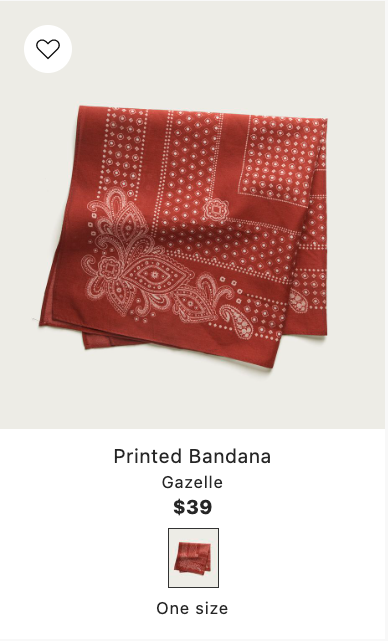
Product listings
A product listing is the set of product results returned by a storefront query, whether it is a search, a category page, or a recommendation panel.
Elevate represents results using a three-layer catalog model: product group → product → variant. Each result in a listing represents one product as the main entry of its group, with the remaining products in the group included alongside it. A group with two products can therefore appear twice in the same listing, once for each product. All variants are returned for every product, making the full group content available for rendering.
The response content of a group can be changed with the Templates feature.
Product listing examples
Filter effects
Elevate evaluates filters at the product level. A product matches when the product itself or any of its variants meets the filter condition. Every matching product is returned together with all of its variants.
Product filters and product rules define which products should be shown in a listing. In most cases, all sibling products are returned for each product that matches the filter.
Example
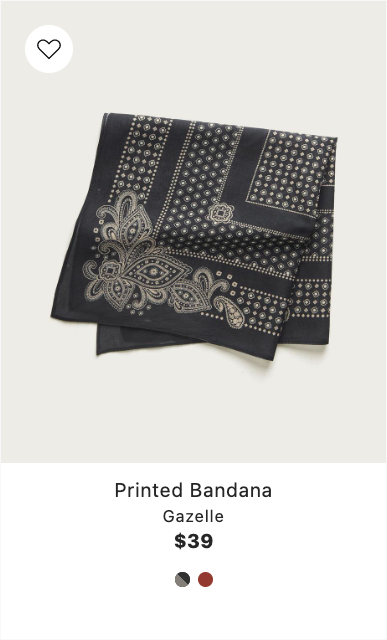
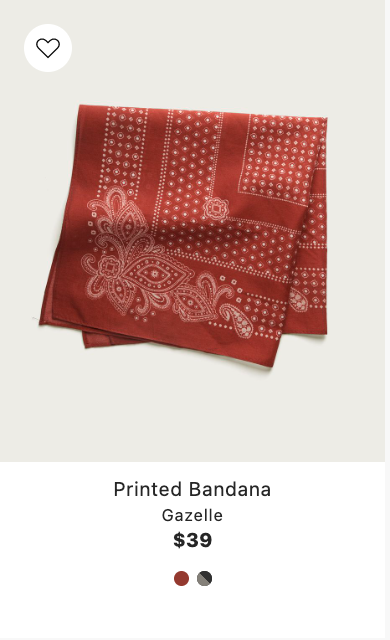
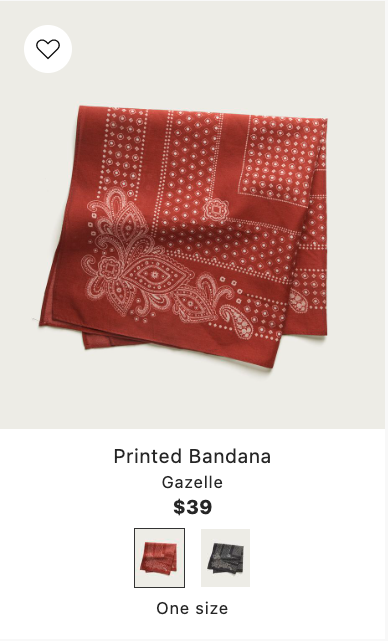
A product group with bandanas contains a Red and a Black product. Only the Red product is on sale. A product rule that only includes discounted products, for example set up on a sale page, returns one result in the listing with Red as the main product.
Strict filter
The exception to the above is the main product filter. Instead of including the full sibling group, it strictly limits which products are shown at all. It is set in the Elevate app and applies to all product listings. Products that do not match this filter are excluded entirely and will not appear in any listing.
It is possible to extend the main product filter with additional filters at query time by providing a catalogEntitlement filter in the request body. This filter will be applied in addition to the main product filter and can be used to hide part of your catalog from specific site visitors.
Generally, you should avoid using strict filters unless you have a specific use case for it, since it prevents products from being shown anywhere on the page. Instead, opt to use normal filters to set up listings they way you want them to look.
Example
A bandana product group contains a Red and a Black product. Only the Red product is launched. Black is not yet released. A strict filter that includes only launched products returns one result in the listing with Red as the main product.